
Roblox APK Download | Explore 1000s of Fun Online Games
Roblox Corporation 4.7Rating
Varies with deviceVersion
107 MBSize
1bn+Downloads
Download apps from trusted sources and check files before installing.

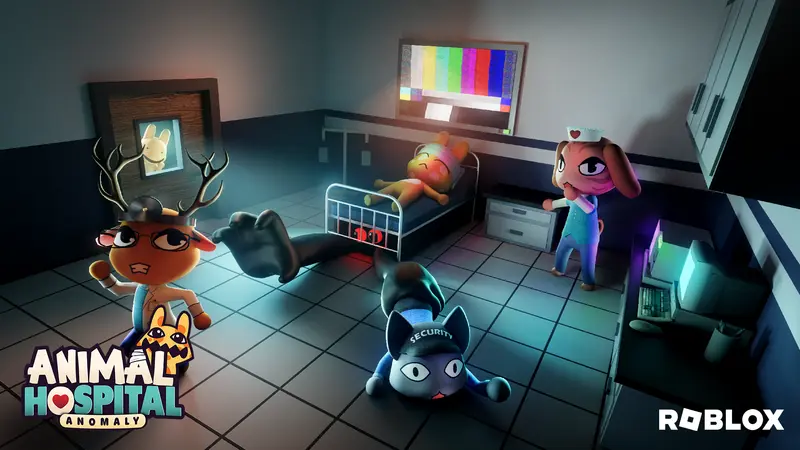
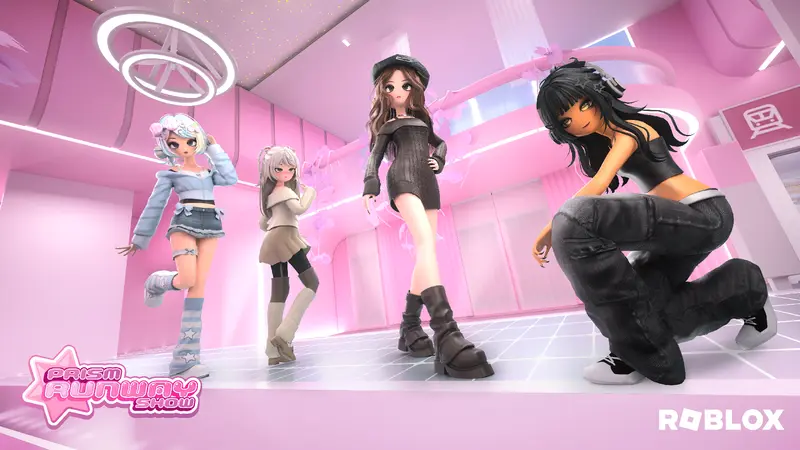
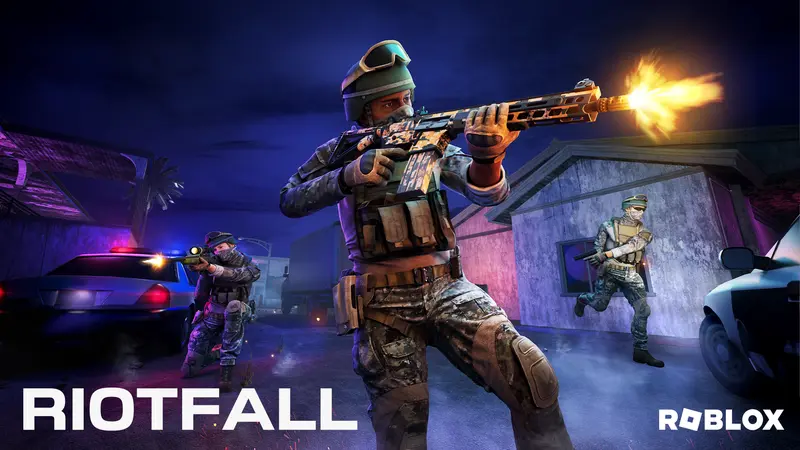
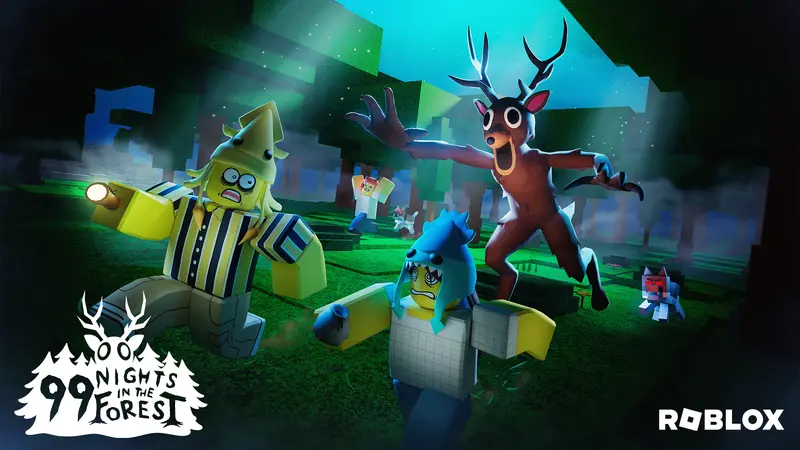
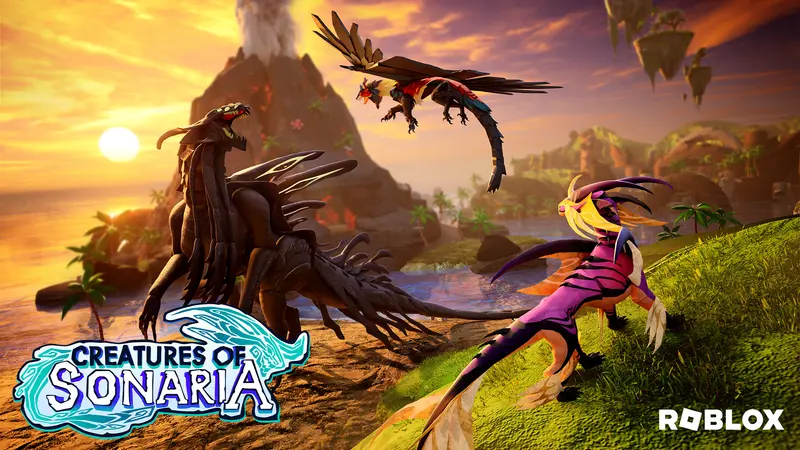
Roblox APK is a popular choice for Android users who enjoy exploring different games, meeting other players, and creating their own virtual experiences. Instead of offering only one fixed adventure, Roblox provides access to thousands of user-created games in a single platform. Players can enjoy racing challenges, role-playing adventures, survival missions, simulation games, and many other activities.
One of the biggest reasons behind Roblox’s popularity is its variety. Every experience can offer a different environment, objective, and style of gameplay. You can customize your character, join friends, explore creative worlds, and discover new adventures whenever you open the app.
In this guide, we will explain the main features, gameplay options, account setup, installation process, rewards, and other important details about Roblox for Android.
| App Details | Information |
|---|---|
| App Name | Roblox |
| Package Name | com.roblox.client |
| Developer | Roblox Corporation |
| Category | Adventure / Simulation |
| Platform | Android |
| Price | Free to install |
| Internet | Required |
| In-App Purchases | Yes |
| Content Rating | Teen |
| Official Store | Google Play |
Roblox is free to install, but some experiences and digital items may offer optional purchases. The app also requires an active internet connection to access its online features.
Roblox APK is an online gaming platform where players can discover and enjoy experiences created by developers around the world. It works differently from traditional Android games because it does not focus on one storyline or a single gameplay style.
You can enter a role-playing world, participate in a racing competition, build a virtual business, or explore a survival adventure. Each experience has its own rules and objectives.
Another interesting part of Roblox is its creator community. People can design their own interactive experiences using Roblox Studio on Windows or Mac. Other players can then discover and enjoy those creations.
This combination of gaming and creativity makes Roblox more than an ordinary mobile game.
Getting started with Roblox APK is simple. After installing the app, you can create an account or sign in to an existing one. Once you enter the platform, you can explore the available experiences and choose something that matches your interests.
Most experiences have their own controls and gameplay systems. For example, a racing game may require you to control a vehicle, while a role-playing experience may allow you to interact with other players and explore a virtual city.
The general gameplay process includes:
You can switch between different experiences whenever you want, so there is always something new to discover.
Roblox APK offers several features that make it different from many traditional mobile games. Here are some of its most interesting options.
Roblox includes a large collection of user-created experiences. Players can explore adventure games, racing challenges, simulators, sports activities, survival missions, and role-playing worlds.
This variety makes the platform suitable for people with different gaming interests.
Your avatar represents you inside the Roblox platform. You can change its clothing, hairstyles, accessories, and other appearance options.
The Marketplace also provides user-created avatar items. Some items are free, while others may require Robux.
Many Roblox APK experiences allow players to interact with others online. You can join friends, participate in group activities, and compete against other users.
Multiplayer options make certain experiences more enjoyable because you are not always playing alone.
The Roblox library continues to change as creators publish new experiences and update existing ones.
You can explore different categories and find new activities instead of repeating the same gameplay every day.
Roblox supports different devices, including mobile phones, tablets, computers, and selected gaming platforms.
This allows players to enjoy supported experiences across different devices. However, individual experience compatibility can vary.
Players can connect with friends and participate in social experiences. Depending on account eligibility and settings, communication features may also be available.
Always use privacy settings carefully when interacting with people online.
One reason players enjoy Roblox is that it brings different genres together. You do not need to install a separate app for every type of experience.
| Game Type | What You Can Do |
|---|---|
| Role-Playing | Explore cities and interact with other players |
| Racing | Drive vehicles and compete in races |
| Simulator | Complete activities and progress through levels |
| Adventure | Explore maps and finish missions |
| Survival | Complete challenges and survive different situations |
| Tycoon | Build and manage virtual businesses |
| Sports | Participate in sports-based activities |
| Horror | Explore suspenseful environments |
The quality, controls, and objectives depend on the individual experience created by its developer.
Avatar customization is an important part of the Roblox experience. Instead of using one fixed character, you can create an appearance that reflects your personal style.
The customization options include clothing, hairstyles, accessories, and other digital items. You can also explore different looks through the Marketplace.
Some avatar items are available without payment, while premium items may require Robux. You should always check the item price before making a purchase.
Your avatar can appear in many supported experiences, although some games may use their own character systems.
Roblox does not offer one universal bonus system that works in every experience. Individual creators may introduce special activities, seasonal events, limited-time challenges, or other features.
For example, an experience might offer rewards for completing missions or participating in an event. Another experience may use a completely different progression system.
Therefore, check the information inside each game before expecting a particular bonus. Event availability and rewards can change over time.
Robux is Roblox’s virtual currency. Players can use it to access eligible digital items, avatar accessories, and certain features offered within the platform.
Some experiences may also provide their own in-game rewards, such as progress points, items, or achievements.
Keep these important points in mind:
Never share your account password with websites or people claiming to provide free currency. Use official Roblox services for account and payment-related activities.
You need a Roblox APK account to access the platform’s main features.
Follow these steps to get started:
Use accurate account information and keep your login details private. Parents should help younger users configure suitable privacy and communication settings.
Android users can install Roblox APK through its official Google Play listing. This is the recommended method because it provides the version distributed by Roblox Corporation.
Follow these steps:
If you download an APK file from another source, verify that it is genuine and safe. Avoid modified versions that promise unlimited Robux, unlocked features, or unfair advantages. Such files can put your device and account at risk.
Roblox APK performance depends on your Android device, graphics hardware, available memory, and internet connection.
Before installing the application, check its Google Play page to confirm compatibility with your phone. Requirements can change as the app receives updates.
A stable Wi-Fi or mobile data connection is necessary because Roblox is an online platform. A weak connection may cause loading delays, lag, or disconnections.
For a smoother experience:
Roblox provides moderation, content filtering, and account privacy tools. However, it is an online platform with user-generated content, so individual experiences and interactions can vary.
The Google Play listing carries a Teen content rating and includes notices about user interactions and in-game purchases.
Parents should review account settings, communication options, and available parental controls before allowing younger children to use the platform.
Players should also avoid sharing personal information, clicking suspicious links, or communicating privately with unknown users outside trusted channels.
Players who enjoy action-packed battles can also explore Free Fire Storm Arena APK for an exciting shooting game experience.
Before installing Roblox, consider these benefits and limitations.
A few simple habits can make your gaming sessions more enjoyable.
Choose experiences carefully: Read the description and check the available information before joining a new game.
Protect your account: Use a strong password and never share your login details.
Manage purchases: Check Robux prices before buying digital items.
Adjust graphics: If the game runs slowly, reduce the graphics quality where the experience allows it.
Use privacy settings: Review who can contact you and interact with your account.
Take regular breaks: Avoid spending too much time continuously playing online games.
Yes. Roblox APK is free to install on compatible Android devices. However, it offers optional in-app purchases and some digital items may require Robux.
The package name for the Google Play Android app is com.roblox.client.
No. Roblox requires an internet connection to access its online platform and experiences.
Yes. Many experiences support multiplayer gameplay, allowing you to join friends and participate in activities together.
Yes. Roblox has an Android application. However, compatibility depends on the device and the current app requirements shown on Google Play.
Robux is the platform’s virtual currency. It can be used for eligible digital items and features, depending on the experience and account.
Yes. Users can create experiences using Roblox Studio, which is available for Windows and Mac computers.
Roblox APK offers a different kind of mobile gaming experience by bringing thousands of user-created worlds into one platform. From racing and simulation games to role-playing adventures and multiplayer challenges, players can explore many activities without installing separate games for each genre.
Its avatar customization, social features, and growing collection of experiences make it an interesting option for Android users. If you enjoy discovering new games and playing with friends, Roblox is worth exploring.
For a safer installation, use the official Google Play listing and keep your account information protected.